Catch up with the sources
Ask about a channel’s decisions, commitments, and open questions. Open the supporting messages to check the answer.
Your conversations. A clearer next move.
Ask AI what was decided. Turn a plain-language request into a scheduled routine. Find the next step, with the conversation behind it.
⌘ Mac-first. Thoughtfully connected.
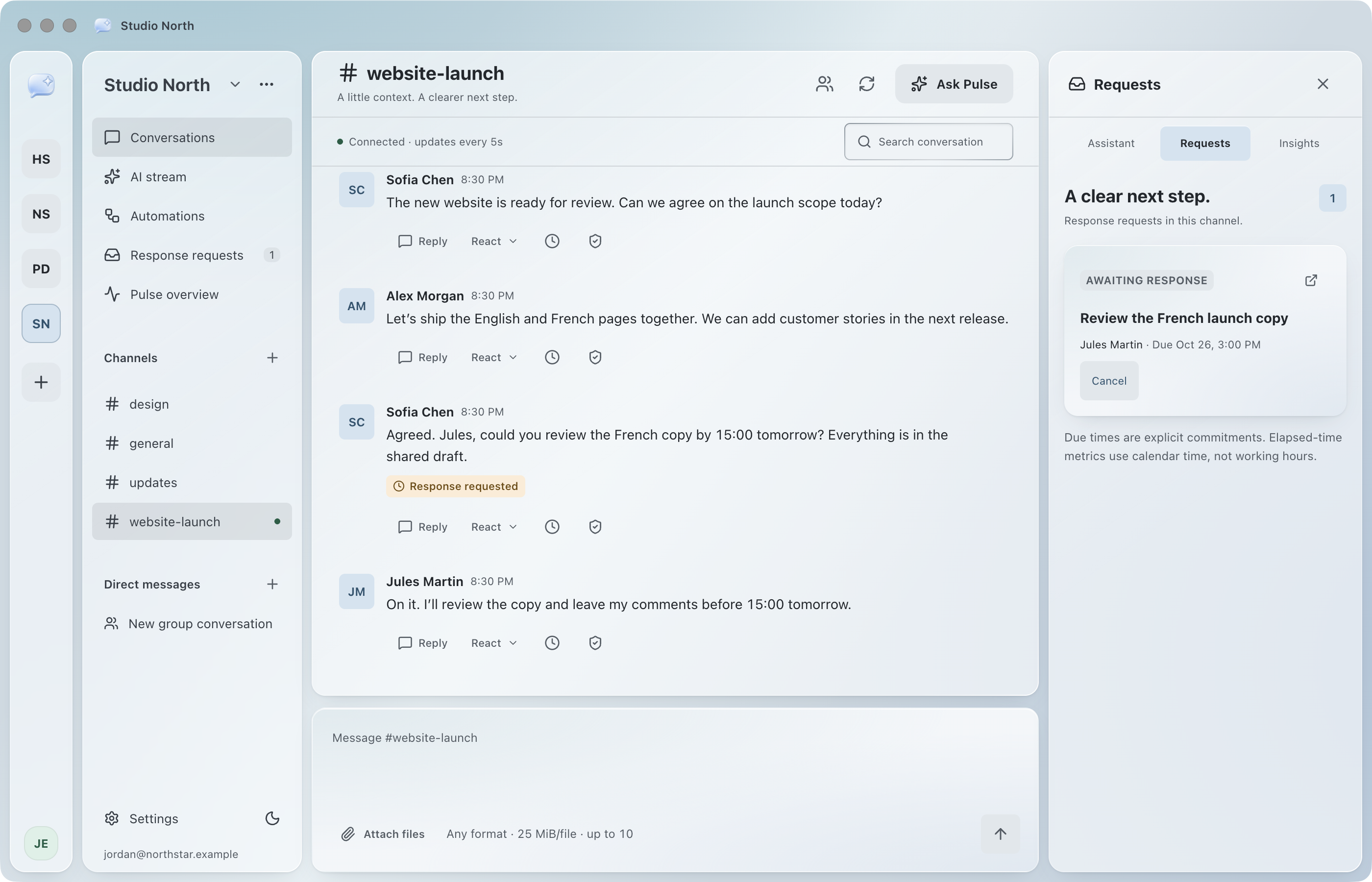
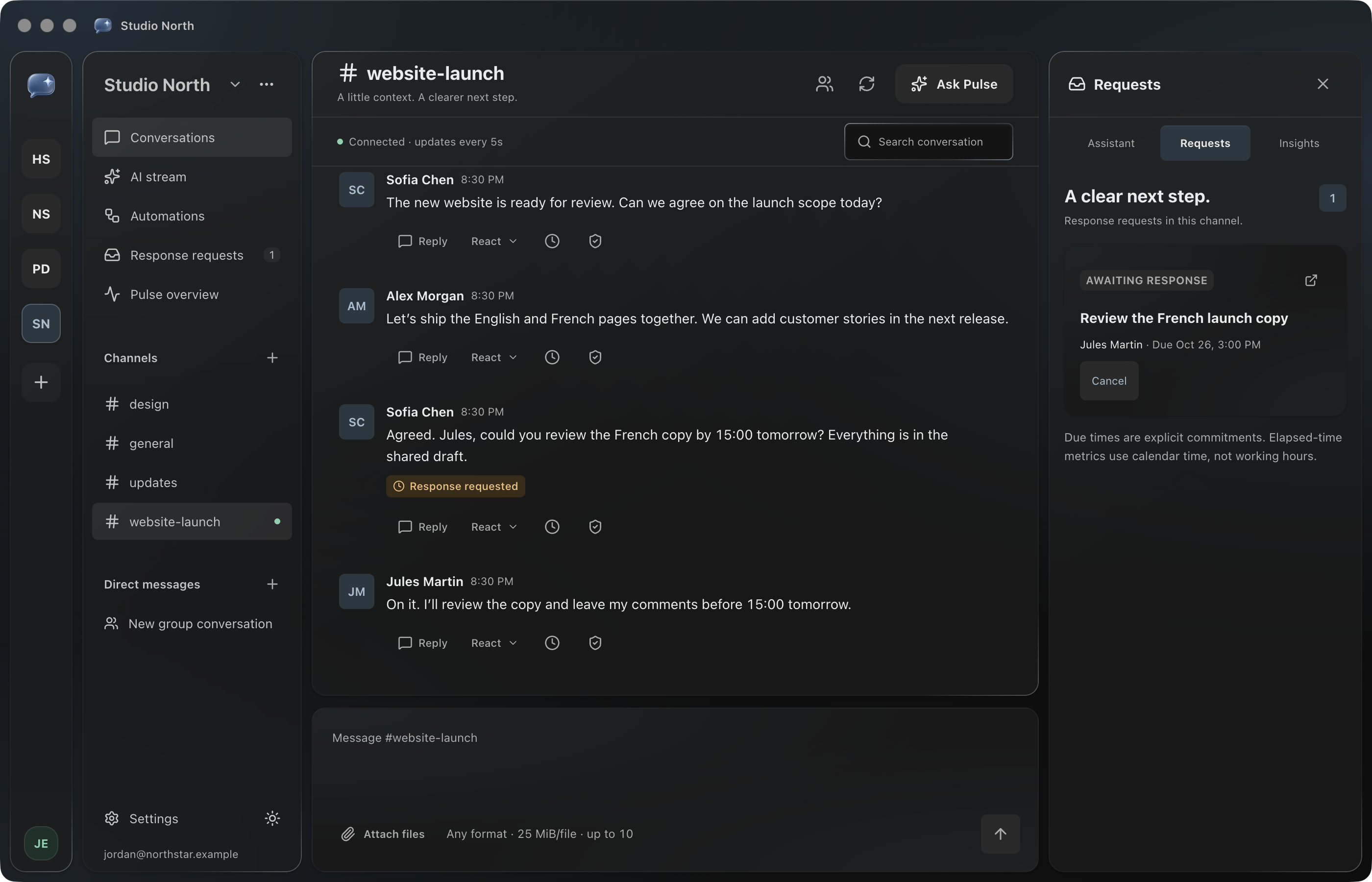
Illustrative workspace, captured in Pulse
From conversation to follow-through
Pulse brings AI assistance and simple automations into the place your team already talks. Spend less time reconstructing the conversation and more time acting on it.
Ask about a channel’s decisions, commitments, and open questions. Open the supporting messages to check the answer.
Describe a reminder or recurring AI channel summary. Review its channel, time, and action before you activate it.
Keep response requests beside the conversation, with an assignee, a deadline, and an explicit acknowledgement.
Daylight glass and quiet charcoal. Familiar Mac controls, floating panels, and a workspace that follows your preferred appearance.
Less setup. More follow-through.
“Every Monday at 9, summarize #launch.” Pulse turns your words into a draft with a channel, schedule, and action. Review it, activate it, and manage or pause it from your automation list. No workflow diagram to build.
Every Monday at 9, summarize #launch for the team.
A plan you can review
Illustrative plan. Scheduling and AI require workspace approval.
Go beyond a recap
Ask Pulse about the recent messages in a channel. Surface decisions, commitments, and unresolved questions, then follow the answer to its sources. When the available context is insufficient, Pulse tells you. Your workspace controls AI access and usage.
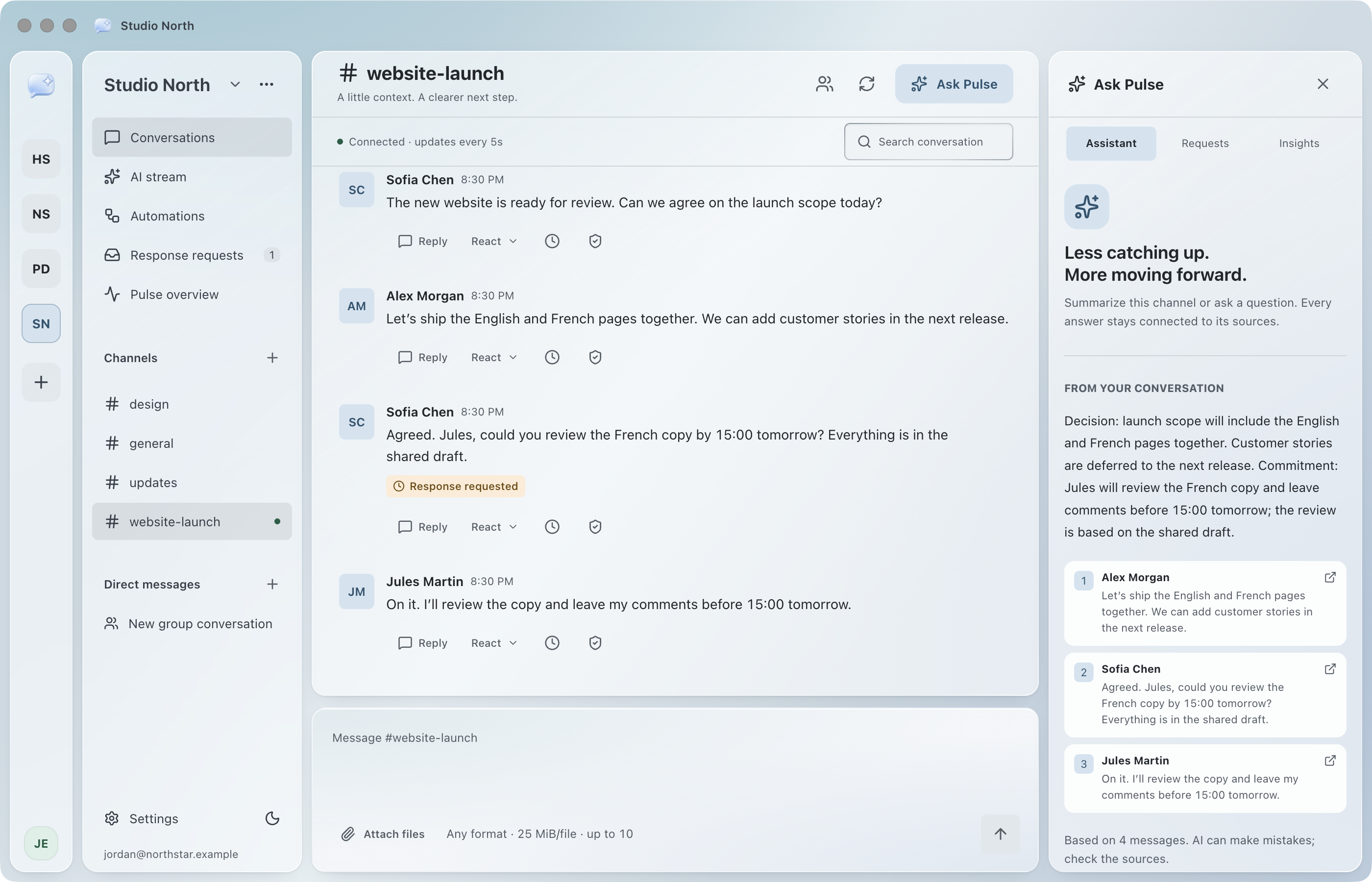
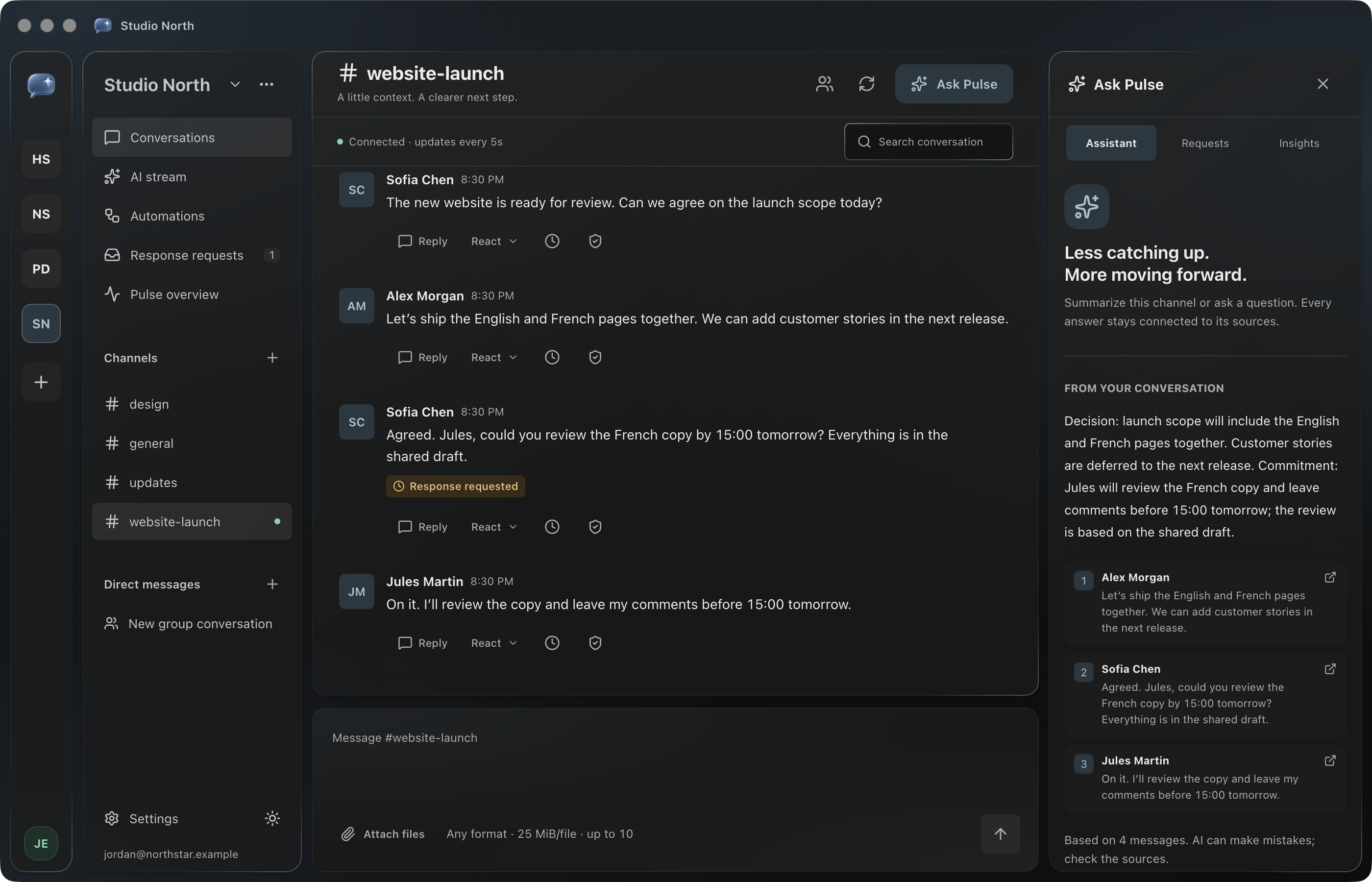
Your conversations deserve care
Workspace and channel permissions define who can read the conversation.
Follow AI answers to their evidence. Review the context before making a decision.
Explicit requests and human review. No universal employee score or automated disciplinary decisions.
Start with your team
Up to 10 members per workspace. No overage charges. AI usage is bounded by workspace limits. Download Pulse to create your account and complete your subscription.
US$49/ month
Per workspace · up to 10 members · taxes extra
Sold by Charles Gaudreau Jackson (Predictive)
Yes. Switch between separate company workspaces from the workspace rail. Your conversations and drafts stay scoped to the right team.
No. AI is workspace-controlled. Request assistance when you need it, or approve a scheduled summary.
Pulse is an Electron desktop application with Mac window controls and a Mac-focused interface.
Pulse Pilot is US$49 per workspace per month for up to 10 members, plus applicable taxes. There are no overage charges. Choose the plan and member count in the desktop app before payment; workspace access opens after confirmation.
Made for your desktop
Download Pulse for Mac, sign in, and complete your workspace subscription. Workspace access is unlocked after payment is confirmed.
Download for MacApple silicon · macOS · pilot release · v0.2.3 · 125 MB952ca08ff999d29ed18f9122670163bd792916c026c91630ccc71691d07bbc64Download and install the Mac app.
Create your account, choose Pulse Pilot, and enter your member count (1–10).
Complete secure checkout. Pulse verifies your subscription before opening workspace content.